Hey friend,
I’m back with some updates. I’ve written a new article about my experience with OpenClaw and how we’re gonna be fine. We launched a new plugin, and a big toolkit refresh. Liz Ellery’s Web Designer Summit is coming up next week. And the new season of Somewhat Useful is off to bang. Check it all out below!
Keep Building,
Will
AI Agents Are Real.
So Is the Hype.
My experience with OpenClaw.
An AI built me a website, managed my email, and added tasks to Notion all on its own. It also crashed, duplicated everything, exposed a security vulnerability, and cost me $50 in a single afternoon. So no, we're probably not all losing our jobs next Tuesday.
New Plugin: Horizontal Timeline

Transform Squarespace list sections into scroll-driven horizontal timelines with a progress bar indicator. Great for historical timelines, processes, lists, or just a fun visual.
Big Toolkit Refresh

I just shipped a major update to the Squarespace Toolkit — a lot of design, some structural cleanup, and a handful of new features.
The short version: the site now has dark mode by default (with a toggle to switch), the branding is tighter, and a ton of under-the-hood work was done to set up everything coming next.
What's new:
Dark mode is now the default, with a light/dark toggle in the nav
Sidebars are now context-specific, so navigation feels a lot cleaner
Every code snippet tag has its own URL — easy to link directly to what you need
Your Robo-Will history is now at /chats
You can now share chats — hit Share to get a snapshot link at that point in the conversation. Great for teaching or collaborating
Two new Claude models in chat: Opus 4.6 (most capable) and Sonnet 4.6 (same price as 4.5, but better)
Check it out and let me know what you think.
2026 The WEBSITE DESIGNER SUMMIT
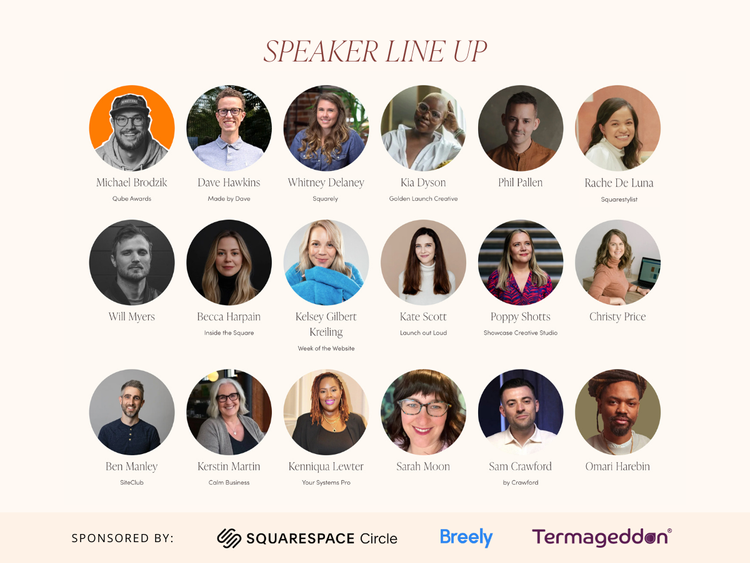
This is a really fun time every year. I’ll be speaking with Becca Harpain about AI & Coding: What’s changing, what’s not and how to adapt. This is a totally FREE community summit created to inspire, share knowledge and tools to help you grow your business and connect.
Somewhat Useful
MOST RECENT
How To Be Less Miserable In Your Business
We dive into the AI tool OpenClaw and what it could mean for Squarespace developers, then get real about the parts of running a business that can feel downright miserable. From draining clients to late nights, they share honest strategies for finding more joy and sustainability as digital entrepreneurs.
Watch On YouTube | Podcast coming soon…
Standing Out in an AI World with Jacq Fisch
We also discuss Squarespace’s recent Super Bowl ad, and then we’re joined by author and writing coach Jacq Fisch to talk about: writing in 2026 and how to stand out in a sea of noise and AI-written content & ways to use AI without selling your soul.
Watch On Youtube | Subscribe To Podcast
It's 2026. Now what?
In this episode we chat about what 2026 looks like for web designers and developers. We'll share what we're leaning into this year and what we're leaving behind.
Watch On Youtube | Subscribe To Podcast
Big thanks to our sponsor this season, Breely
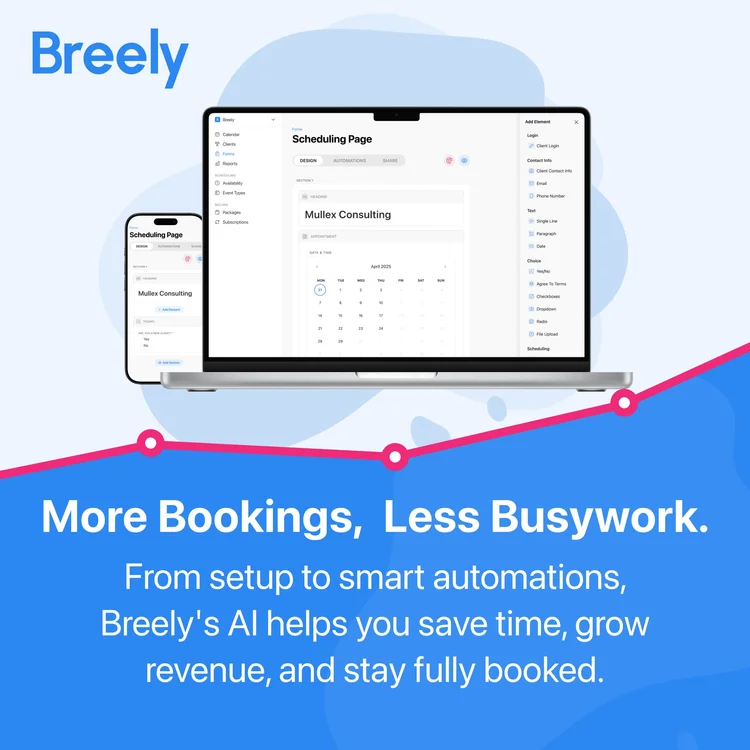
Most scheduling tools lock core features behind paid plans. Breely does the opposite. All features are free from the start, including signatures, accepting payments, and Email or SMS notifications. Clients can book and pay online anytime, and the system adapts to everything you offer, from one on ones to classes or multi day events.
Community Tools
Each week I like to highlight new community tools that Squarespace creators have made. This week…
AdManager, by Armin Braunsberger - Monetize, create, schedule, track and place campaigns across your entire website with a few clicks. Full control and analytics in one dashboard
Squarespace Code Backup, by Dave Hawkins - Backup and version control for Squarespace Custom CSS and Code Injection. Automatically back up your Squarespace Custom CSS and Code Injection to Google Drive.
Code Curious Membership
Code Curious is my membership for professional Squarespace designers. As a member, you get:
CHROME Extension to access all your code & tools.
20% off all plugins & multi-use licenses
Robo-Will, your AI Squarespace Code Assistant
The Code Catalogue with exclusive access to over 100 copy-and-paste code snippets
A Slack Community for you to engage with other Squarespace Designers
Priority Support on plugins and tutorials
$15 / mo or $150 / yr
Cancel anytime.
Favorite Code Catalogue Releases
The Code Catalogue is a library of over 100 advanced customizations for Squarespace websites. (see all snippets)
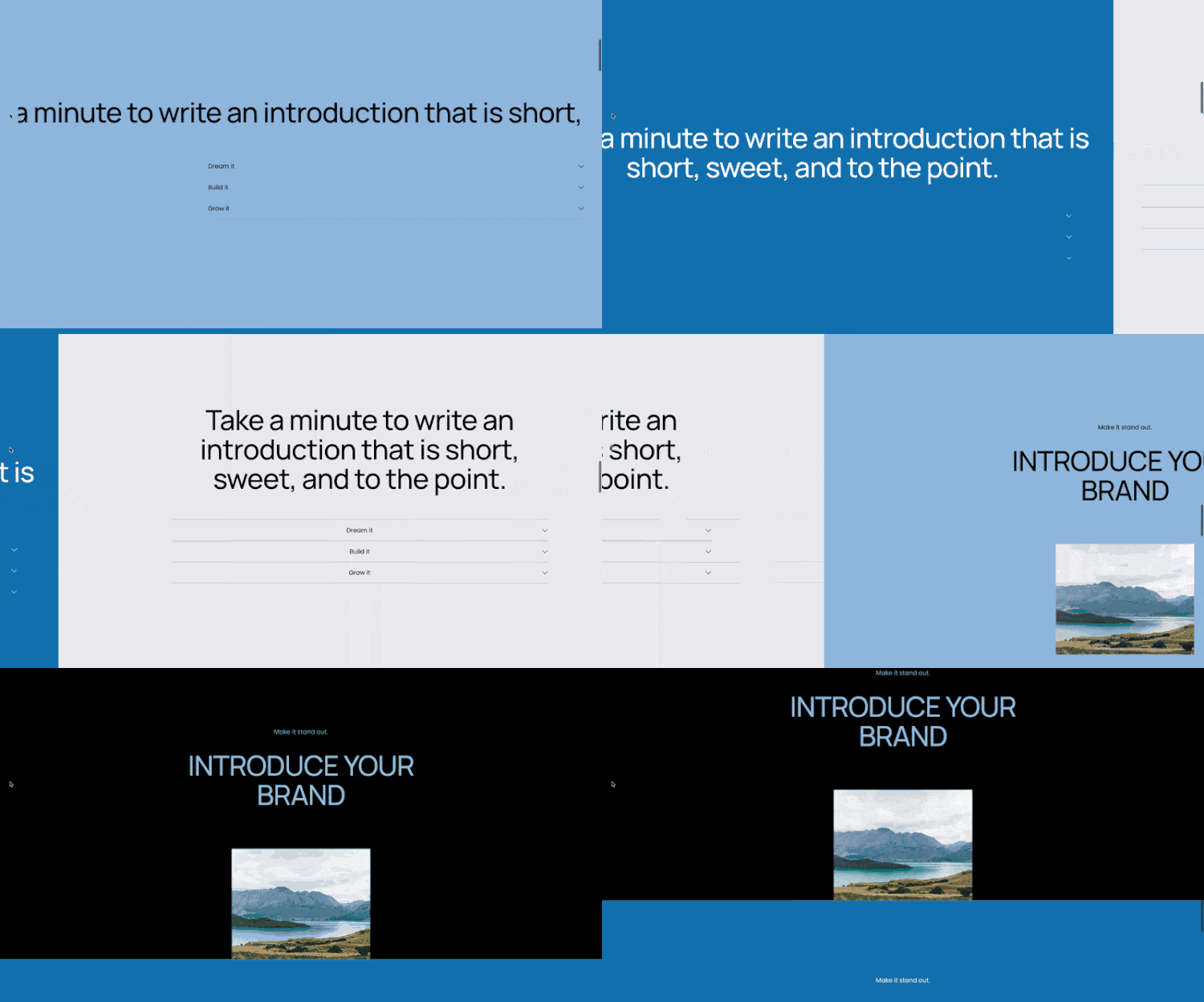
Horizontal Scroll Plugin
Turn page sections into horizontal scrolling sections.

Scroll Away Hero Section
Add a scroll-away hero section to a page that showcases bold visuals that fade as you scroll, then reappear at the top.

Simple Gallery Swipe Cards
A fun swipeable cards component from a blog collection.

Team Bio Modals
Easily create these beautiful modals for an “Our Team” section.
design by Joost Kroes.