Hey friend,
Do you know what’s better than a new plugin? A new plugin that was co-created with Week of the Website! This week, I’m pumped to roll out the Pinned Page Nav Bar, inspired by my friends at Week of the Website and built by Yours Truly.
To be honest, these days I spend most of my time building plugins and writing tutorials (new one below, I might add) — and relatively little time working on actual websites. Sometimes, when I’m thinking about what plugin to work on next, there’s tension between what I think would be cool or fun from a coding perspective, and what web designers actually need and want. So, when Kelsey came to me and asked if there was a way to customize my Secondary Nav plugin for a site they were working on, I was actually kinda excited to tell her no, but I could build a new one that would do what they wanted!

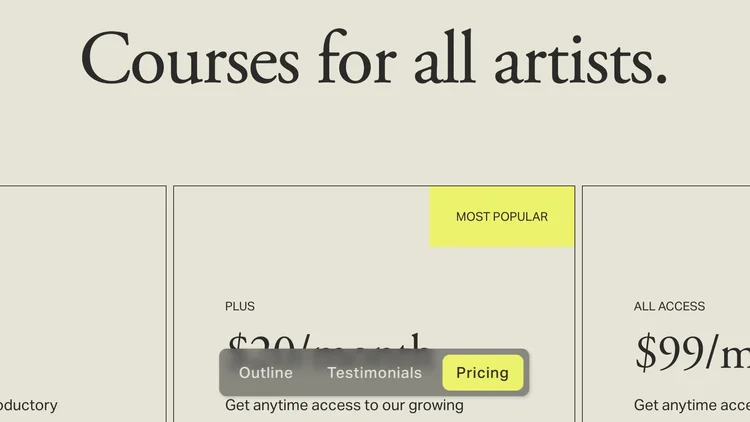
The Pinned Page Navbar allows you to easily create a single-page navigation, which gets pinned to the bottom of your window. One of the core features is the little indicator pill that slides into place as you scroll to the different sections of your page.
A lot of what takes a website to the next level are the subtle ways that the elements interact with user-actions, and so I spent a good bit of time making sure this was buttery smooth.
I’ve even added a number of different style presets, like the below glass effect, if you want to adjust the look and feel of it.
Truly, nothing gets me more geeked up and excited than working with thoughtful designers, and I’m super grateful to the Week of the Website team for helping me get this one from idea to launch. The site they used it on turned out great too, if you want to take a peek.
Check out the Pinned Page Nav Bar plugin below, and if you end up using it for anything I’d love to see how it turns out — email me back or tag me on Instagram @willdashmyers.
Keep building,
Will
Pinned Page Nav Plugin
Easily navigate throughout a page with this pinned page nav bar. Outline your page content for easy navigation.
✓ Simple Installation With Walkthrough Video
✓ Copy-and-paste code
✓ Easily handoff to a client
✓ 3 Different Style Presets
✓ As many pinned page nav sections as you want
✓ Over 20 additional copy-and-paste style tweaks
View Demo (pw: pinned)
Overview video on the sales page.
New Tutorial: Elegant & Interactive Pricing Section

Showcase your services or pricing with this interactive and elegant pricing section.
Last week, I received an email from Whitney Delany over at Delany Consulting (great web design & SEO services, btw). She had a pricing section on her website and wanted some help with making it feel a little bit more interesting and lively. In this tutorial, I walk through how I rebuilt this hover and spotlight effect in a List Section.
Code Curious
Code Curious is my membership for professional Squarespace designers. As a member, you get exclusive access to the Code Catalogue (with over 100 copy-and-paste code snippets), the Targeting Library (over 270 Squarespace CSS Selectors), and exclusive tutorials.
$15 / mo.
Unlimited use on client projects.
Cancel anytime.
Newest Releases
The Code Catalogue is a library over 100 advanced customizations for Squarespace websites. (see all snippets)

Simple Category Tag on Product Pages
Add a tag above your product titles that show a specific product collection or anything else you want!

Use HTML in Product Description
Add icons, images, or otherwise more custom HTML in your product description area.
Simple Logo Cloud
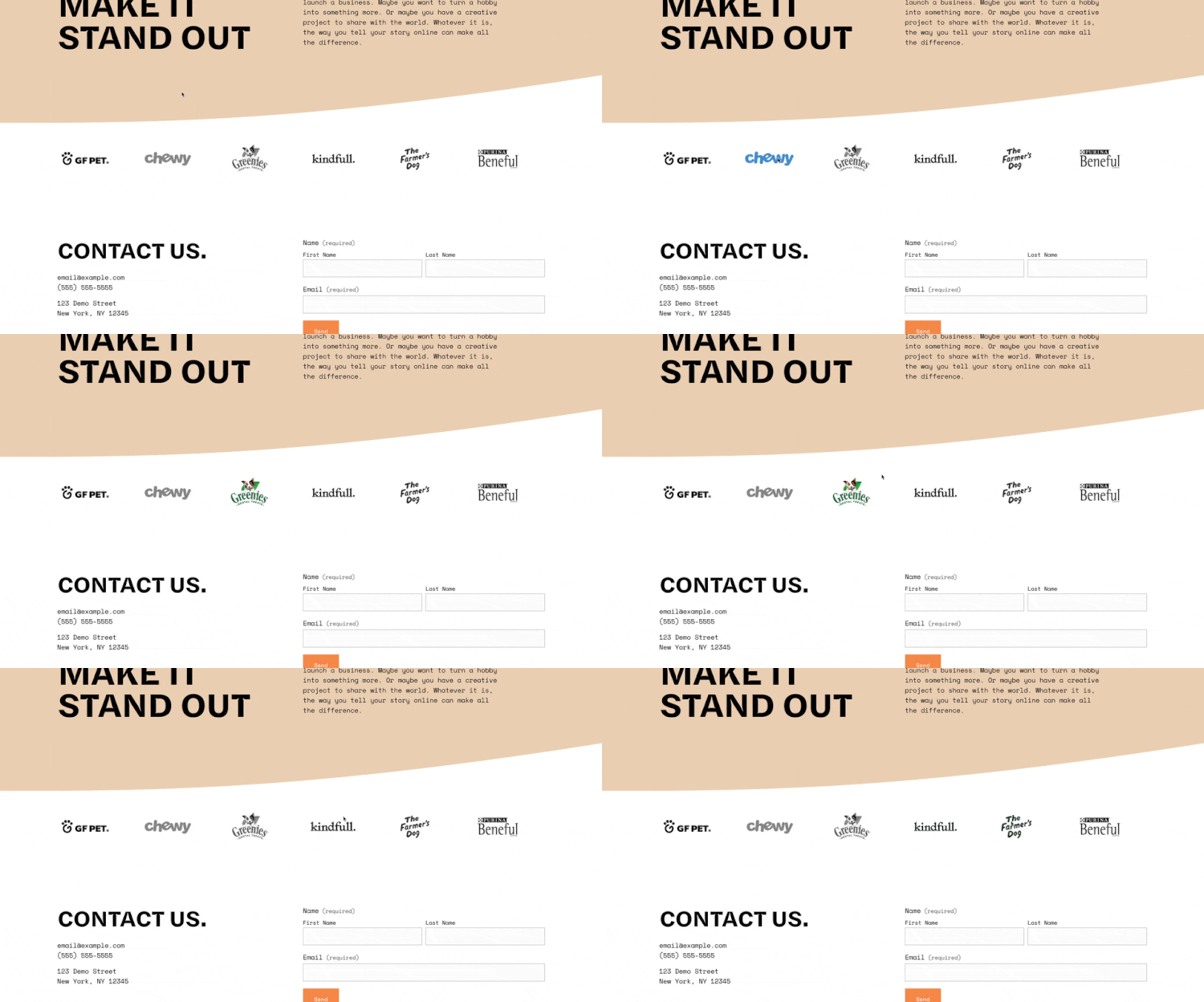
Create a simple logo cloud with some fun hover effects.

Mini-Course: Cycling Site Subtitles
A mini course, where I build the Cycling Site Subtitles component from scratch, explaining the CSS, Javascript, and HTML along the way.