Hey friend,
Hope you’re doing well.
If you’ll indulge me, I’d like to share a big new update to my Code Curious Membership, the Targeting Library.
My goal with this membership is to make it the best resource for helping professional Squarespace designers to build custom websites, fast. This is a step towards that goal, and one that I’m pretty excited about. One recurring request I’ve received is for a list of all of the different targets for blocks and pages within Squarespace, and the Targeting Library is just that.
Currently, it holds over 250 CSS targets for elements that you'd want to customize in Squarespace. Additionally, I’ve categorized and organized all the components, added common customizations, linked to relevant code snippets from my Code Catalogue, and provided html breakdowns of the elements.
Now, there are over 1000 different things we could target in Squarespace, so this resource isn’t comprehensive (yet), but it’s definitely useful enough for you to go ahead and start using it today, which is why I’m launching it now, with plans to continue adding to it over time.
Check out this video if you want to take a peek at what’s in the Targeting Library.

Keen observers might also notice that this is built using a Notion doc (embedded in the member area), so that it’s super easy to navigate and search. I’m putting together a tutorial on how I’ve built this to share with everyone later :)
Anyway, hope you’ve found some time to build and create over the last few weeks. I’ve found creation to be very cathartic and healing when things get stressful.
Keep Building,
Will
New Article: Scrollable Text Block

If you have a podcast, or create Youtube videos, you might want to put the transcript of that episode onto your website. However, that could make your website e-x-t-r-e-m-e-l-y long and scrolly. This tutorial will provide some CSS that will turn a text block into a scrollable one, so it doesn’t take up as much space on the page.
Curious Coder: NEW ADDITION - Targeting Library
Access 250+ CSS Selectors to target the elements you want to customize in Squarespace.
With additional CSS snippets for the most common customizations as well as links to other related customizations, this will become your go-to tool when customizing Squarespace websites.
As a bonus, there are HTML breakdowns of the most common Squarespace elements, like the page-section component, header component, and block-level components, for those of you who want to take your understanding to a deeper lever.
$15 / mo.
Unlimited use on client projects.
Cancel anytime.
Targeting Library New Releases
Accordion Block
Buttons Block
Form Block
Image Block
Newsletter Block
Summary Block
Text Block
Blog Collection Page
Blog Item Pages
Product Collection Page
Product Details Page
List Section
Header
Page Sections
Color Themes
Footer
Code Catalogue New Releases

Login / Account Icons
Add login in and account icons to your header.
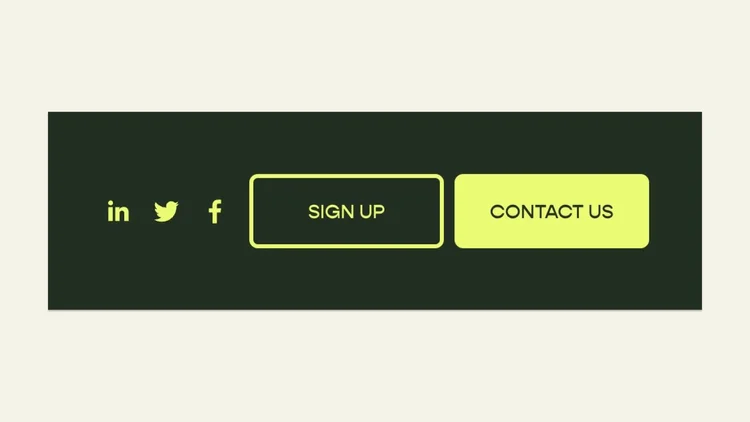
Dual CTA in Header
Add a second CTA button to your main nav area on desktop & mobile.
Plugin Updates
Squarespace is constantly changing and updating its platform; you can trust that we’re updating and maintaining our plugins to account for these changes. Unless otherwise notes, plugin updates happen automatically.
Have a question? Get in touch.