Hey friend,
I can’t believe we’re in March already and we’re coming up to the end of the first quarter. It’s wild how quickly the year has gone. I hope your business is doing better than Silicon Valley Bank!
I’ve got a bunch of updates for you on the Curious Coders Club, New Tutorials for all, Squarespace Shenanigans, and some new Squarespace feature releases. Let’s get going!
Keep building,
Will
Curious Coder Club
So, in the past month, I've been on a coding rollercoaster 🎢, whipping up 3 fresh tutorial series and firing off 12 Curious Coder emails.
The feedback has been pure gold, and it's helping me shape this membership into a custom-tailored fit just for you.
Weekly emails are now less code-intensive and more focused on being relevant and bite-sized. Expect nuggets like adding gradient scrollbars, a first-look at new Squarespace features, and a cheat sheet on targeting color themes. It’s basically a way to grow your Squarespace skills a little bit each day.
I've also put together a fancy-schmancy page dedicated to each tutorial series on my website. Each series zeroes in on crafting a particular component or design, all sliced and diced into bite-sized 🍿, actionable videos.
The price is $12 / mo, which, I know… subscriptions suck.
let’s vent. Subscriptions are terrible because of that awful feeling when you realize you’ve been paying for something you’re not using! It feels like a cheap trick that businesses use to steal money from you. This is NOT something I want you to associate with the Curious Coder Club. I’m sending 3 emails per week, so you’ll always know (and remember) what you’re paying for, and you can always cancel at any time.
Ready to dive in? Just click below and let the coding party begin! 🚀
Recently Released Series’
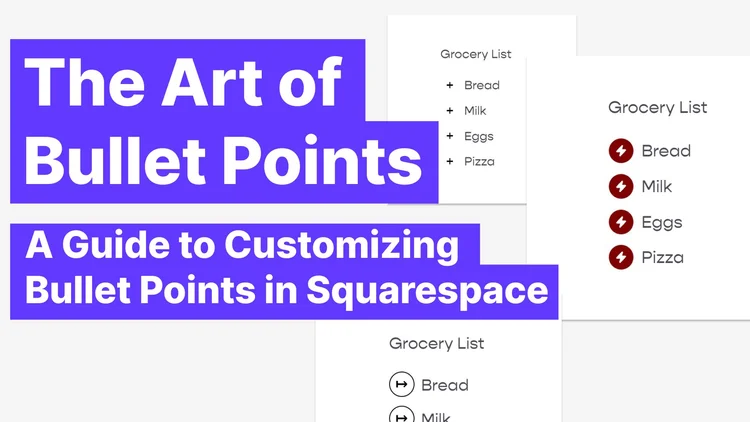
The Art of Bullet Points: A Guide to Customizing Bullet Points
This series teaches you how to create beautiful and unique bullet points in Squarespace to enhance your website's design. From simple tweaks to more complex customization, like using images and icons.

50 Shades of Gray-dient: Building Background Gradients in Squarespace
Learn how to create four different background gradients in Squarespace. From simple to trendy, you'll be equipped to add depth and dimension to your website. Let's get started exploring the 50 (err,

Scrollin’ Along: Adding a “keep scrolling” arrow to your webpage
Add a little down arrow icon to indicate to your visitors to keep scrolling, and when they click on it, they’ll automatically be scrolled down to the next section.
New Tutorial (free): Customizing Numbered Lists
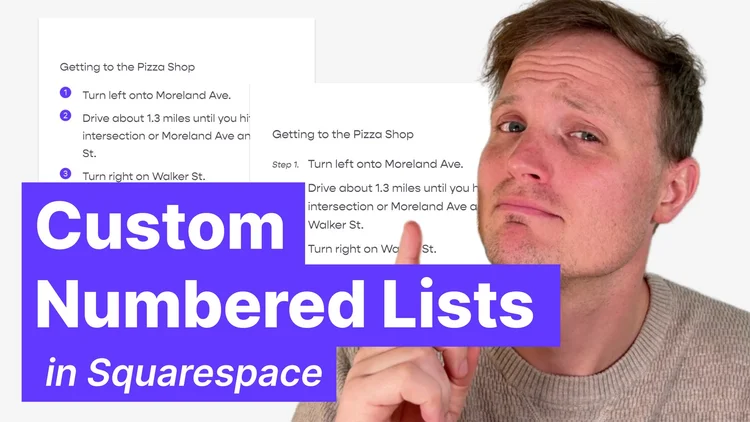
Create stylized numbered lists that matches the brand of your website. Learn to create rounded numbers with backgrounds, or add in “Step” before each number.
Squarespace Shenanigans

Christy Price and I have started a semi-weekly show where we explore the world of Squarespace, entrepreneurship and web design. We discuss topics shaping the world around us and tackle your questions from the mailbag. You can check us out on Instagram Live every other Wednesday!
Squarespace Circle Updates
Squarespace has released some pretty awesome new features recently, and in case you’ve missed them, here’s a quick round-up.
You’ll need to be a Squarespace Circle Member to access the below links. If you’re not a member you can sign up for free here.
Customers can update their email addresses - “If a customer has an account with a verified email on your website or a clients’ site, they’ll now be able to change the email address associated with that account.”
Surprising it took this long for such a basic feature to be implemented, but glad it’s finally here!Image Block Effects - “We previously supported image effects only on section background images; however, we’re now extending the feature to the omnipresent fluid engine image block. The five effects: Liquid, Film Grain, Parallax, Circles, Lines”
Parallax images? Yes please. This was just released on Tuesday, so I haven’t used it on a project yet, but it looks very cool.Section Dividers - “You can now stylize the bottom of your sections with a variety of shapes and stroke styles. This gives your page a fresh sense of rhythm that is less stacked and more expressive.”
This feature is fantastic! I’ve used it on a few projects already and it’s very well built with a bunch of different options.Mobile Order Beta - “Smarter mobile block placement logic in Fluid Engine.”
Very glad to hear Squarespace is investing in this. One of the best parts about Squarespace is that it looks good right “out of the box”, but with Fluid Engine, mobile didn’t. With this update, that should be changing.
Plugin Updates
Squarespace is constantly changing and updating its platform; you can trust that we’re updating and maintaining our plugins to account for these changes. Unless otherwise notes, plugin updates happen automatically.