Hey friend,
Hope you’re having a wonderful December so far. Wanted to update you on a few items.
First, a new plugin is available, Background Video Controls! This plugin gives you more control over your Uploaded Background Videos in Squarespace 7.1.
Second, Christy Price did an office hours the other week and answered some questions that I KNOW some of you have, like how the heck do you get content from a client! It’s like pulling teeth sometimes…
Third, there were two new website launches recently, which I want to call out because who doesn’t like Squarespace website inspiration? Seeing two really good, yet totally different looking websites is a testament to the flexibility of the Squarespace platform.
Let’s begin…
Best,
Will
TUTORIALS
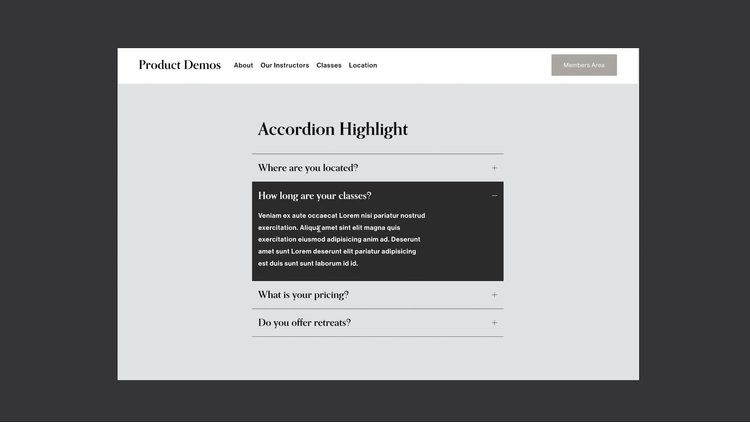
New quick tutorial on a tweak you can make to the new Accordion Blocks that are in Squarespace. With this code you can set a background color when a user hovers or opens an accordion.
NEW PLUGIN: BACKGROUND VIDEO CONTROLS
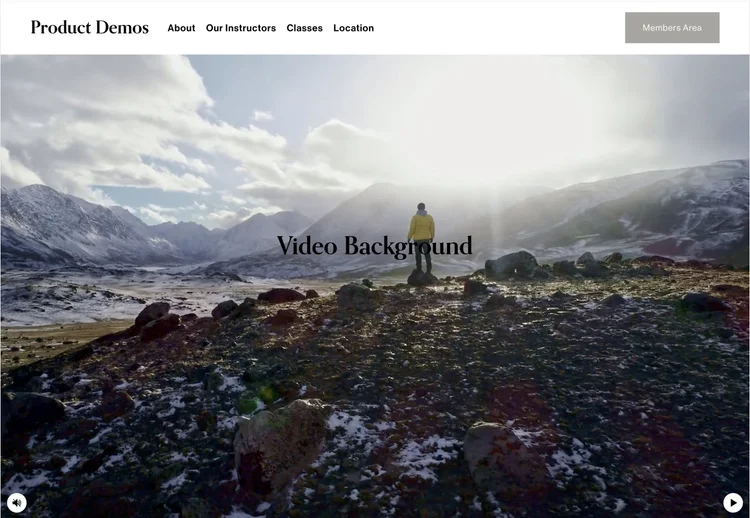
Background Video Controls
$20.00
Get more control of your Background Videos in Squarespace 7.1.
This plugin allows you to add controls to your background video, like a play / pause button and mute / unmute button.
You can also control other settings, like preventing the video from looping and only playing the video when it comes into view on the page.
There is also a pretty cool style builder (if I do say so myself) on the installation page that allows you to custom style your buttons.
Optional Settings:
Add a Play / Pause button
Add a Mute / Volume toggle
Stop video after one loop
Only play the video when it’s in view
4 different style presets & 15 different styling variables to match your website
Requirements: Squarespace 7.1 only, Native Uploaded Videos (no YouTube or Vimeo)
STUFF AROUND THE WEB
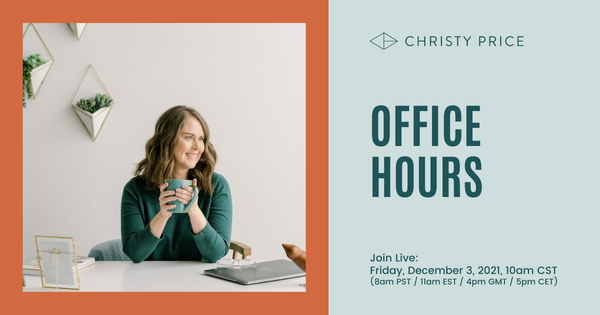
For those of you that don’t know her, Christy has been building websites for people for around 20 years and is full of knowledge on the subject.
She answers a ton of questions in this video, but her answer about her process for getting content from clients was especially relevant for me (at 46:53). It’s always such a struggle.
Once you open up the link, hit “Watch Replay” in the top right. Once you’re in, hit the “Ask A Question” button at the bottom for a list of the questions she answers, and the timestamps.
WEBSITE LAUNCHES
Here are two website I’ve been following that were both launched last week, and I really like how each of them turned out (I didn’t build these, just admiring other people’s work):
January Made Design, by Nicole
Michelle Gregor, by Karen Herzog
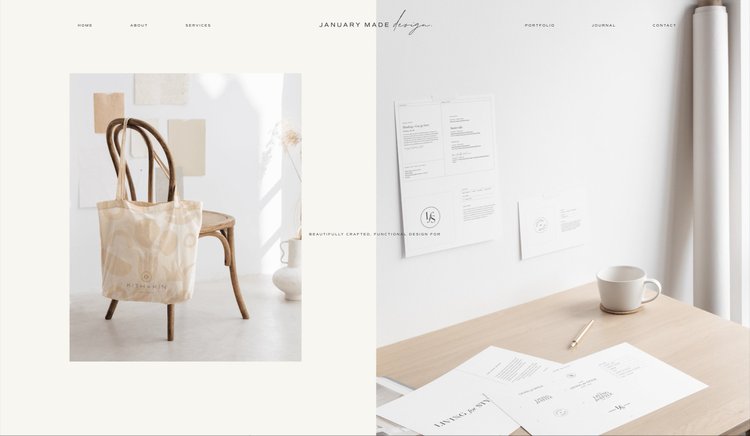
January Made Design, by Nicole
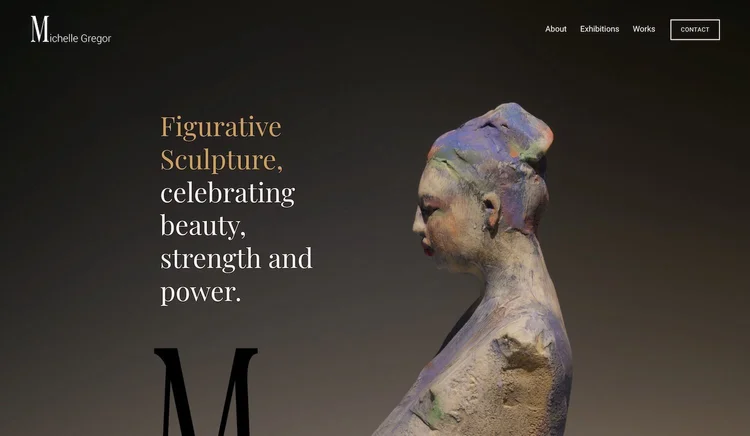
Michelle Gregor, by Karen Herzog
Both of these websites are beautiful, and couldn’t be more different in terms of style and design direction. And, they're both built using Squarespace, along with some pretty nifty custom code.
It just goes to show how versatile Squarespace is as a platform, especially when it’s used by someone who knows their way around CSS.
Keep Building,
Will
LEARN CSS IN SQUARESPACE
Take your skillset and business to the next level.
Don’t be limited to copying and pasting other people’s code. Learn the skills to create beautiful and customized websites in Squarespace, fast.