Hey friend,
A little over a year ago, on April 10th, 2020, I sold my first plugin to Yolande (Hi, Yolande!) for $10.
The subsequent year has been a whirlwind as I’ve built 14 additional plugins, built a course on CSS for Squarespace, sent over 5000 support emails, published 60 articles, and 23 new Youtube videos. Phew!
Helping you express your web design vision with code is something I truly love doing, and I want to be spending more of my time doing it. After a lot of consideration, I’ve realized that this means updating my current pricing model.
Starting Wednesday, September 1st, pricing for some of my plugins will increase. I’m keeping a few essential plugins at $10, increasing the price of the rest of my current pro plugins to $20, and my page layout plugins to $25. I plan to release most (not all) of my future plugins at the $20 price point as well. These changes are for single licenses only, and all business licenses will remain at $50.
$10 Plugins
Slider Pro
Accordion
Mega Menu
$20 Pro Plugins
Tabs (for Sections)
Tabs (for Blocks)
Video Elements
Secondary Nav
Site Nav Replacer
Overflow Carousel
Background Change on Scroll
Split Section
$25 Page Layout Plugins
Blog Post
Event Post Styles
All prior purchases are still honored and you will still have access to the installation pages.
This pricing increase will allow me to spend more time with you answering your questions, creating free tutorials, building more advanced plugins, and continuing to improve my current plugins (see the new "Builder" feature for my Before / After Slider below).
I’m super hashtag-humbled by the amount of interest in my work and by those of you who have supported me so far, and I’m looking forward to seeing what else we can collectively come up with together.
Best,
Will
PLUGINS
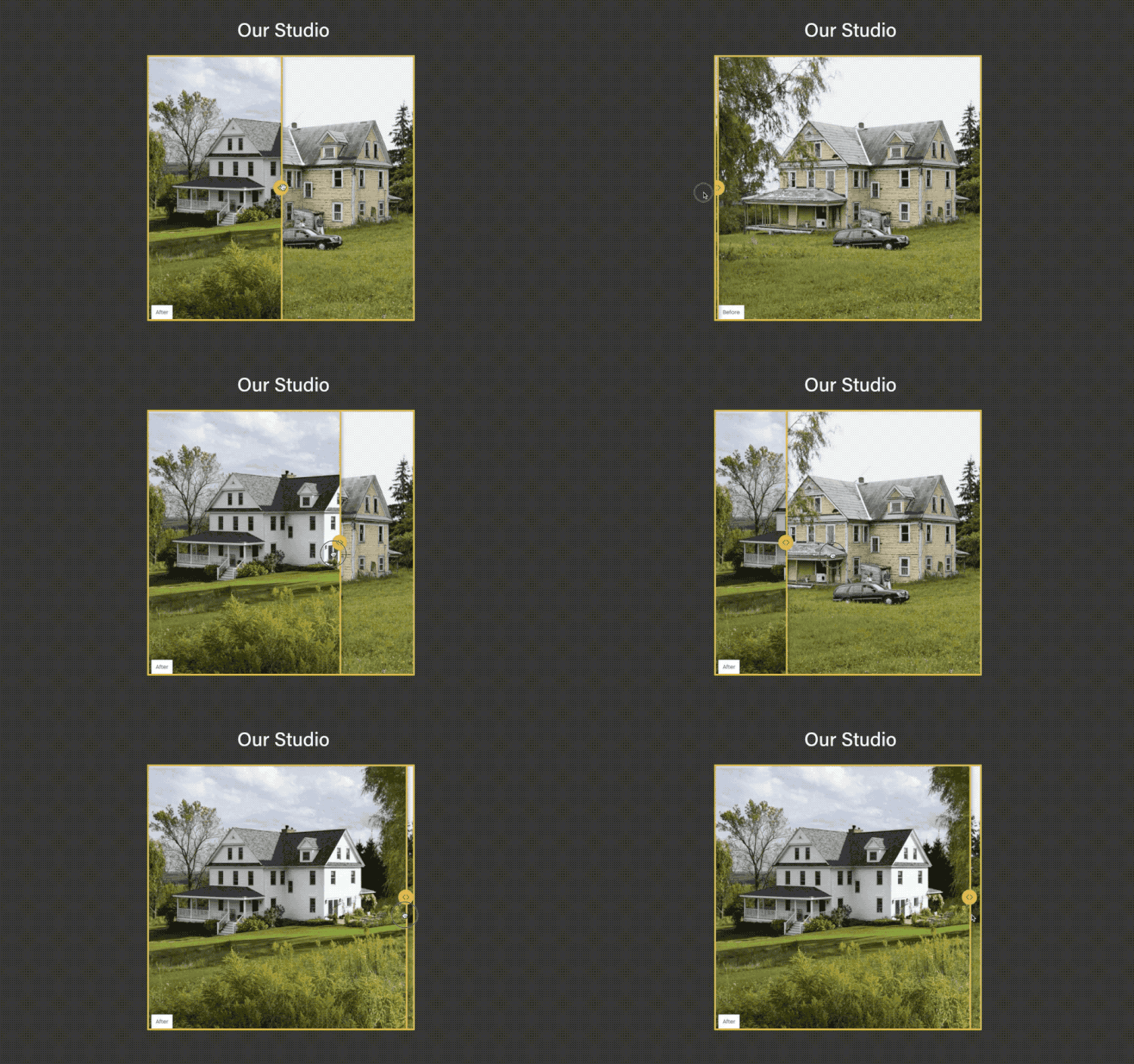
Here is a new plugin that I created for a project last year and I’ve finally simplified it enough to call it a plugin. Just stack 2 image blocks on top of each other, add my special code, and then you have a before / after slider! Easy as pie.
I’m pretty excited out this Before / After Slider because I’m rolling out a new feature on it’s installation page, called a “Builder” (seen below). This Builder is just part of a simplified plugin installation process, it also gives you many more styling options. For any of you who use this plugin, I’d love to get your feedback.
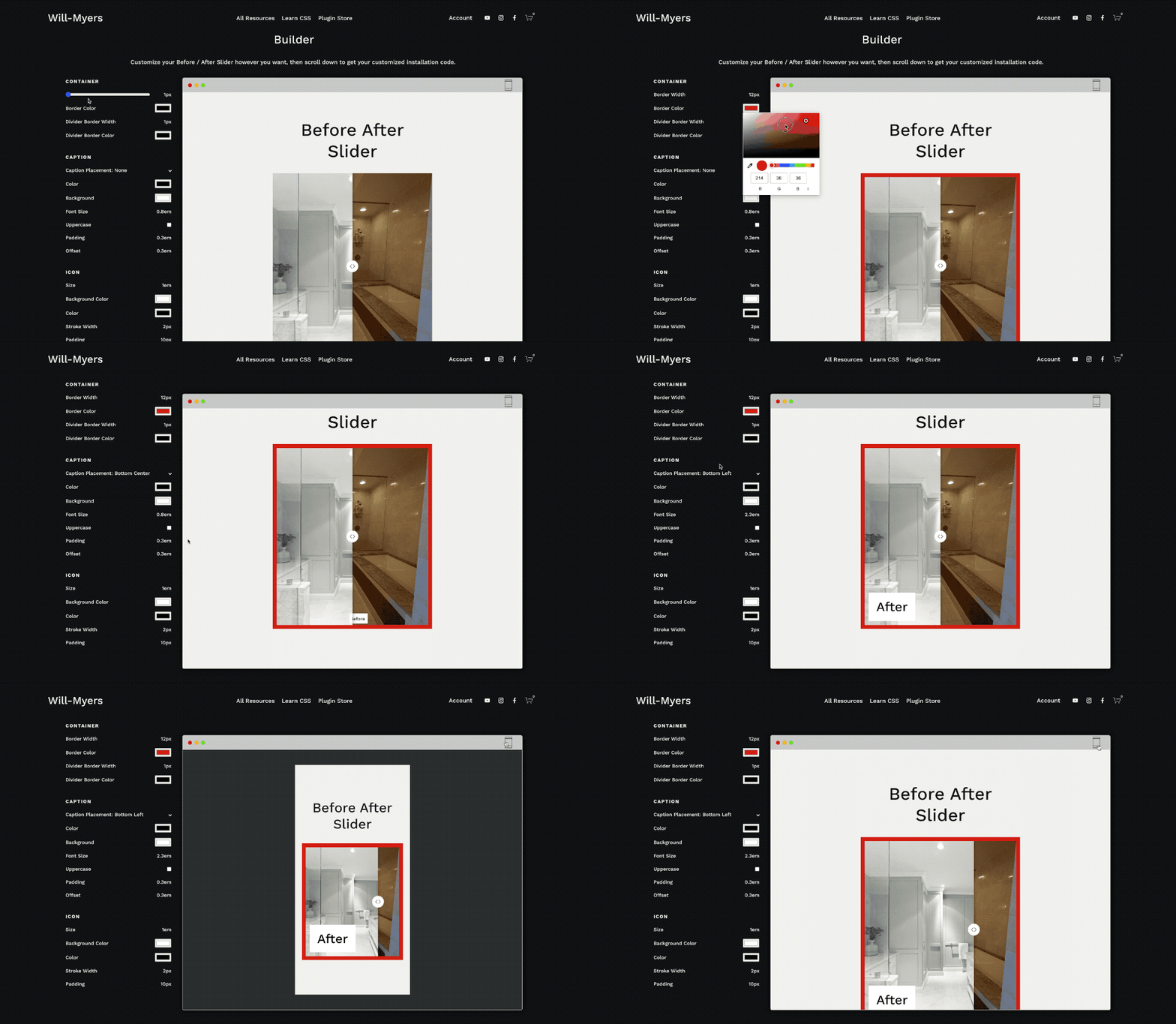
Similar to Squarespace’s “Site Styles” area, with the Builder you’ll have access to a simple UI that allows you to customize the plugin in real-time, then copy the exact CSS you need based on your customizations, so you can just copy and paste it into your website. My hope is that this will make tweaking and personalizing my plugins for your website even easier.
Huge thanks to Karen Herzog for helping me with this project.
TUTORIALS
Change Search Block Placeholder Text in Squarespace
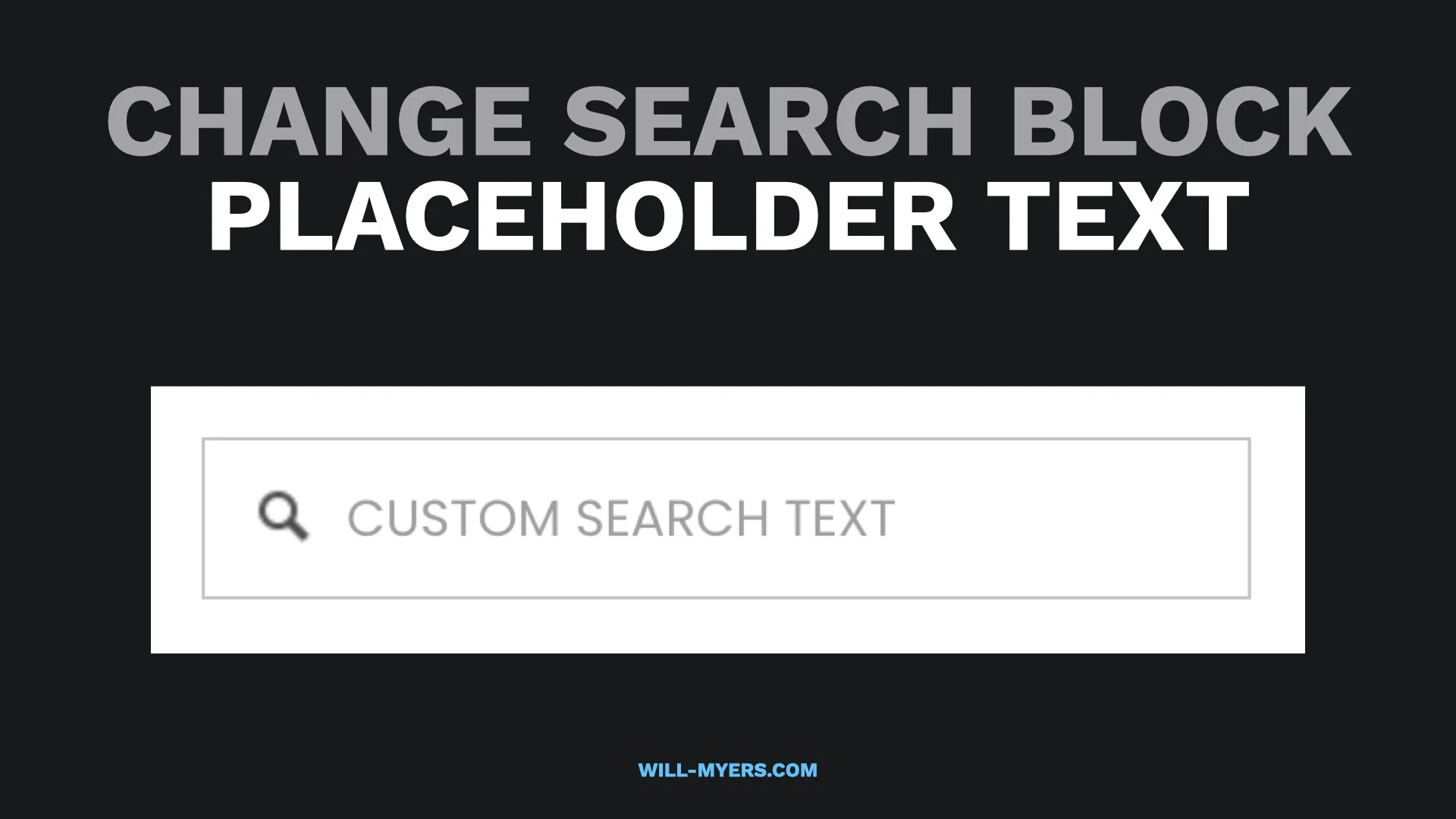
Besides the obvious explanation of how to change your search block placeholder text, this is a great video and article for anyone who is new to Javascript and wants to learn more about it.
Reorder The Product Details in Product Item
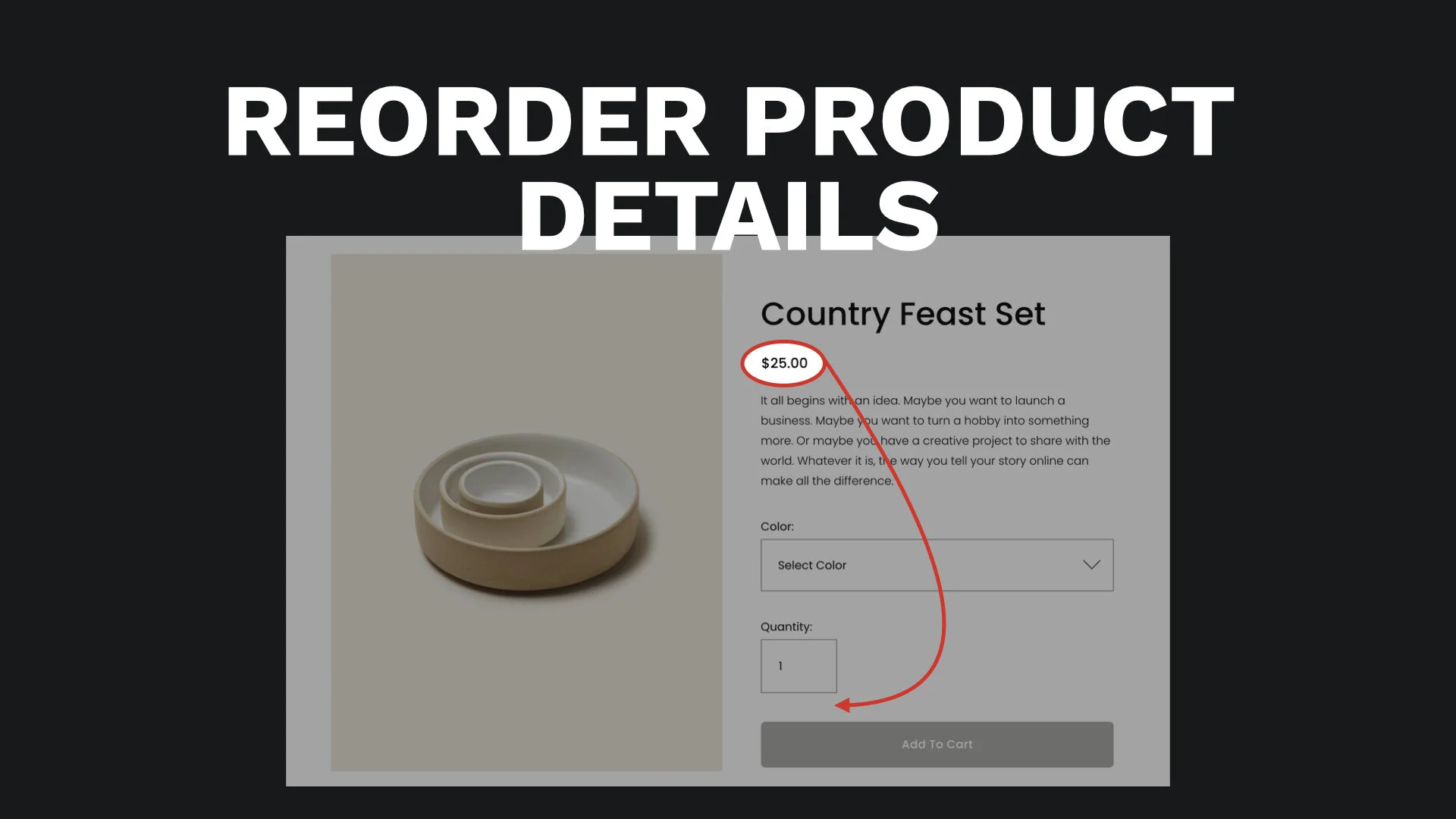
I’ve seen this question pop up a number of times, so I thought I’d write a tutorial about it. My accordion plugin also uses this technique to move the accordion items into place on product pages. This is a good use-case for the order property when using flexbox.
Adding Space To Start of List Section Carousel
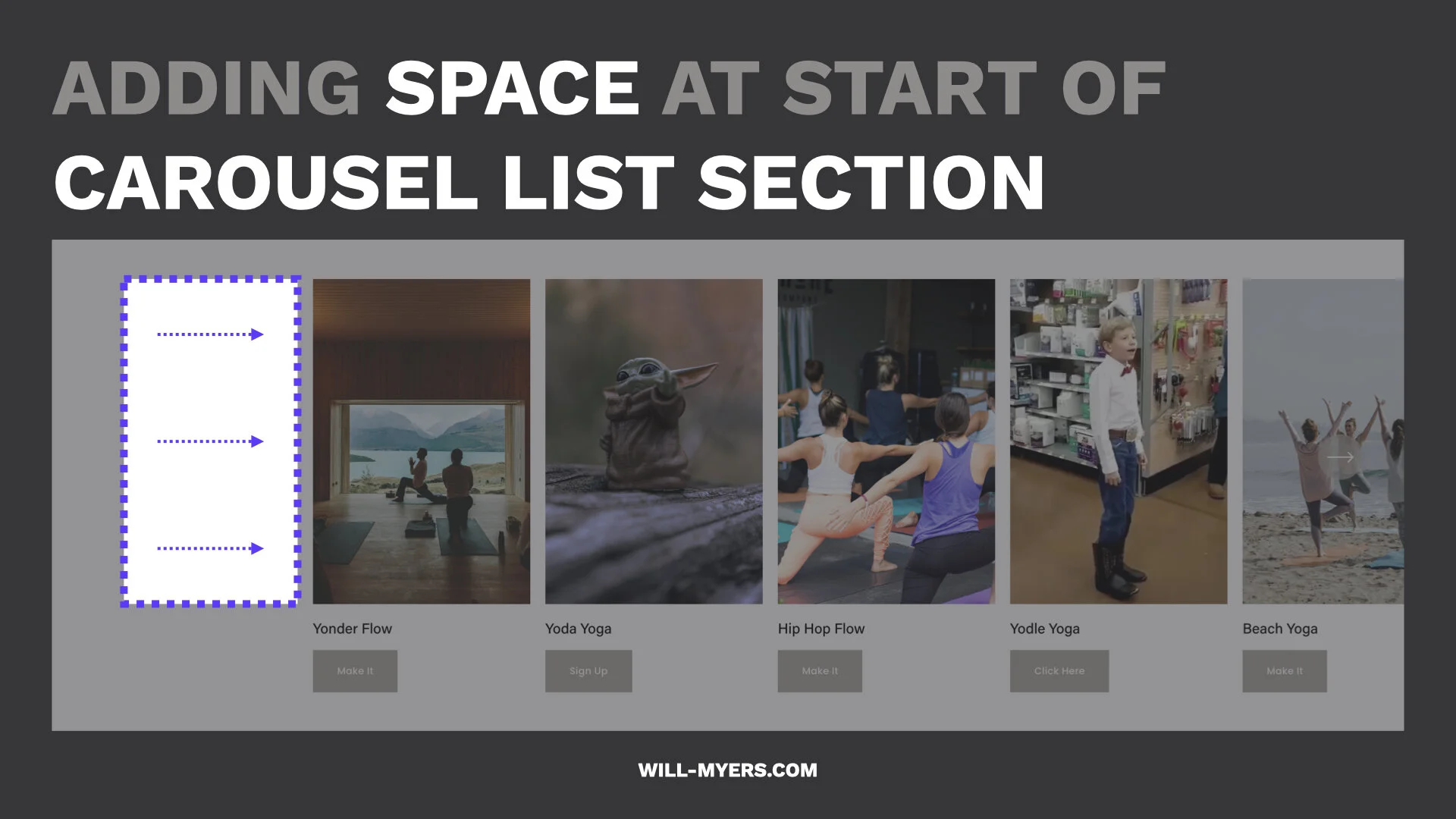
Another pretty self-explanatory tutorial- how to add some extra space at the start of your Carousel List Sections.
STUFF AROUND THE WEB
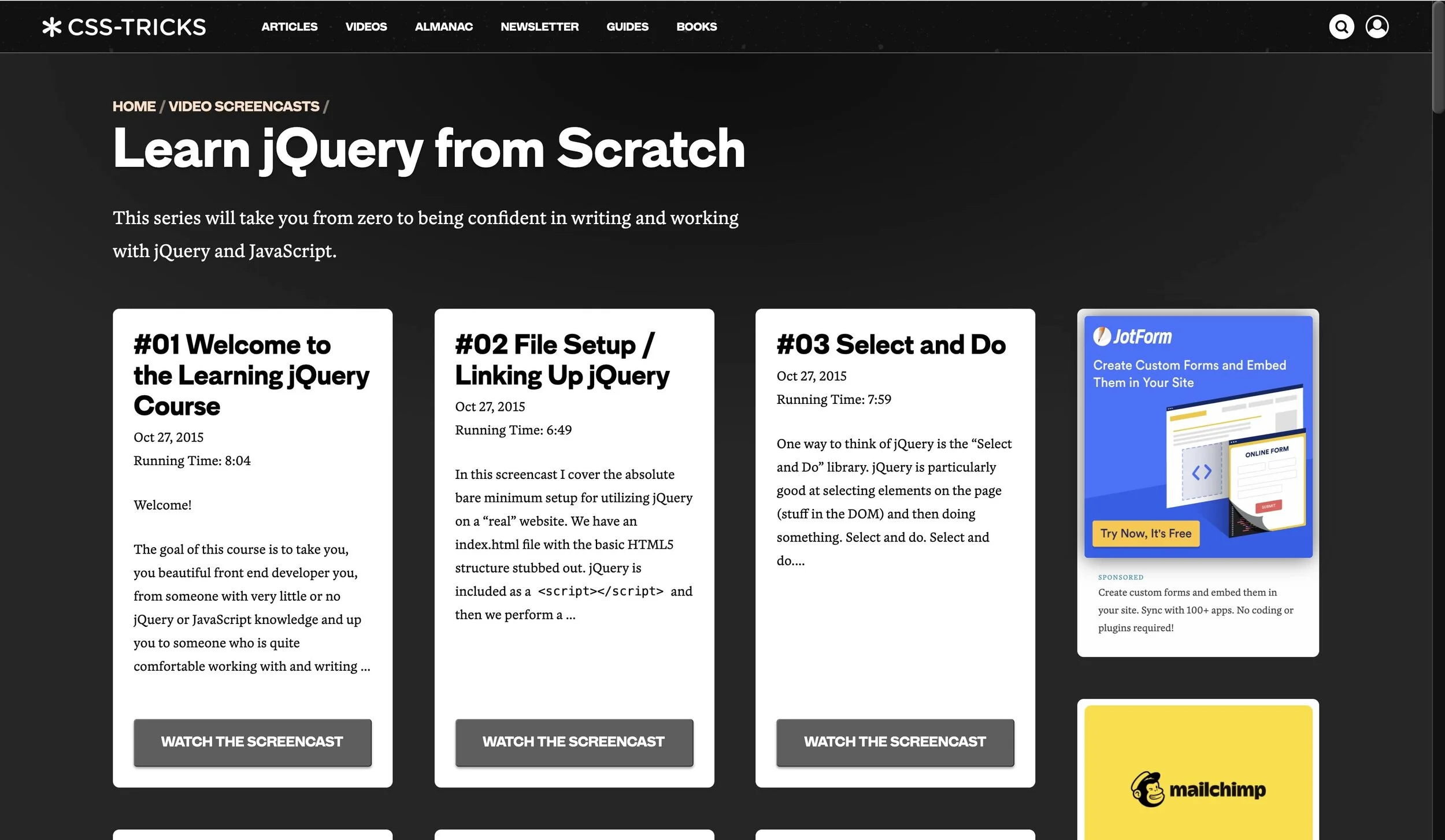
I’ve had a few people ask me about learning Javascript recently and this video series on jQuery is what I always recommend first. jQuery is a much simpler language to get started with, and will provide almost all of the functionality of Javascript. Once I learned all the fundamentals using jQuery, it made learning Javascript much easier.
LEARN CSS IN SQUARESPACE
I built this course to help you understand CSS, so that you aren't limited by copying and pasting other people’s code. Learn the skills to create beautiful and customized websites in Squarespace, fast.
Take your skillset and business to the next level.