Hey friend,
Below are a bunch updates to my plugins and tutorial, plus a new premium tutorial for those of you in my Learn CSS in Squarespace course (thanks to a student question).
Also, on a personal note, tomorrow is my 32nd birthday, so I’m going to be taking the day off and won’t be answering any support tickets (birthdays are very important to my wife).
On to the updates!
Keep Building,
Will
PLUGINS
UPDATE: Blog Post Banner Styles
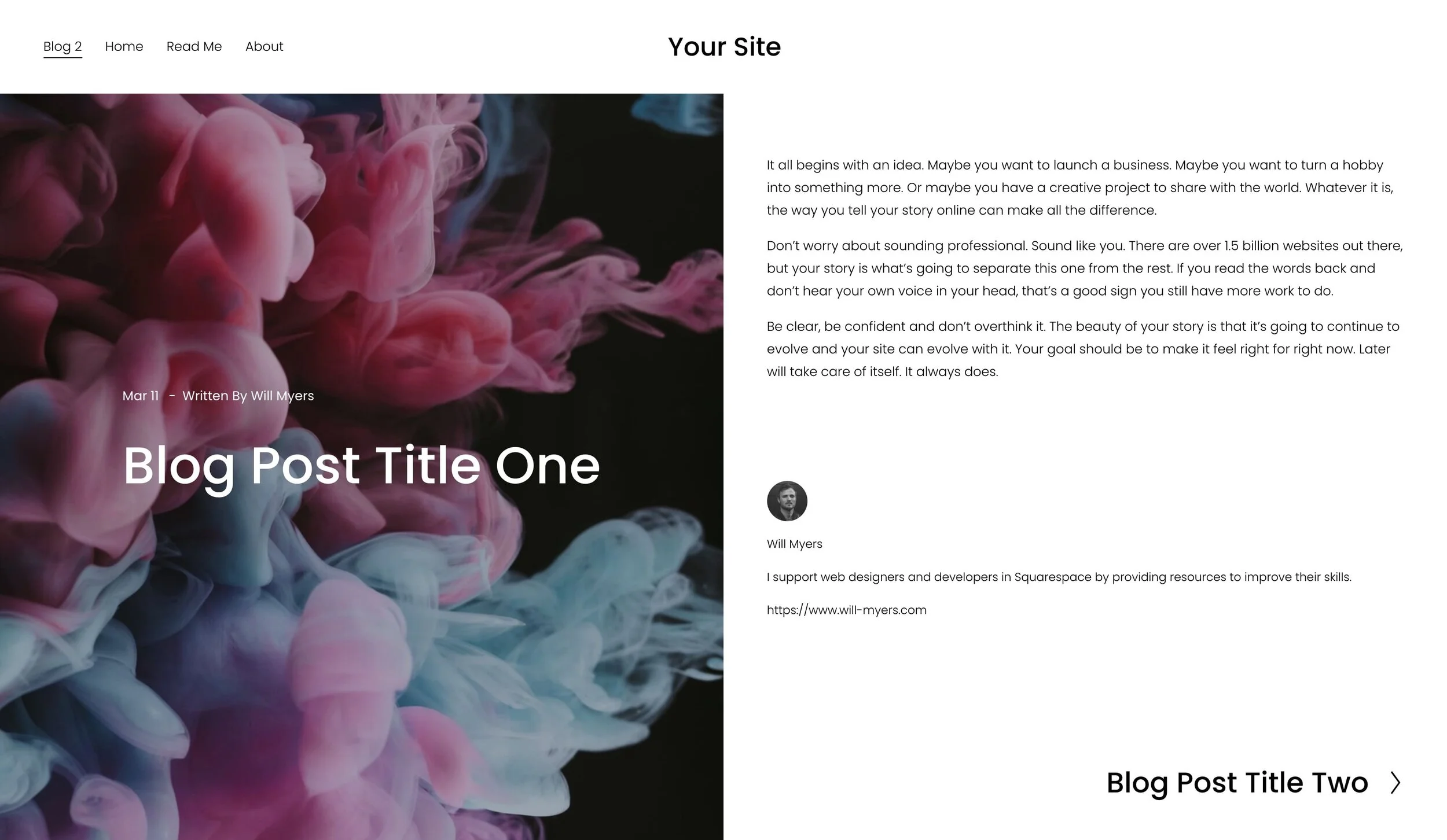
✅ Fixed issue preventing the banner image from updating in the backend
✅ Fixed issue preventing the blog post title from being editable
UPDATE: Event Post Banner Styles
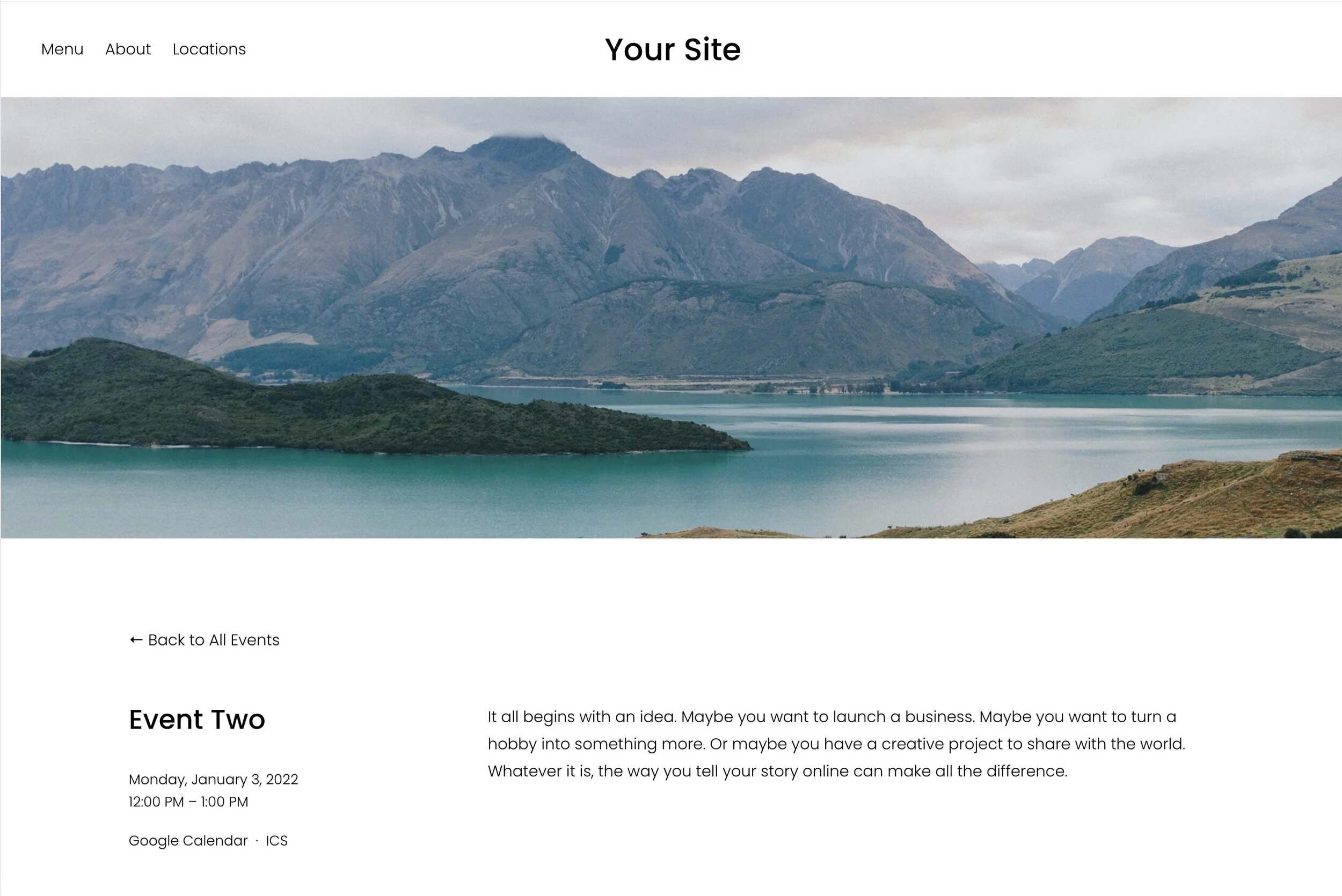
✅ Fixed issue preventing the banner image from updating in the backend
✅ Fixed issue preventing the blog post title from being editable
UPDATE: Secondary Nav for Squarespace 7.1
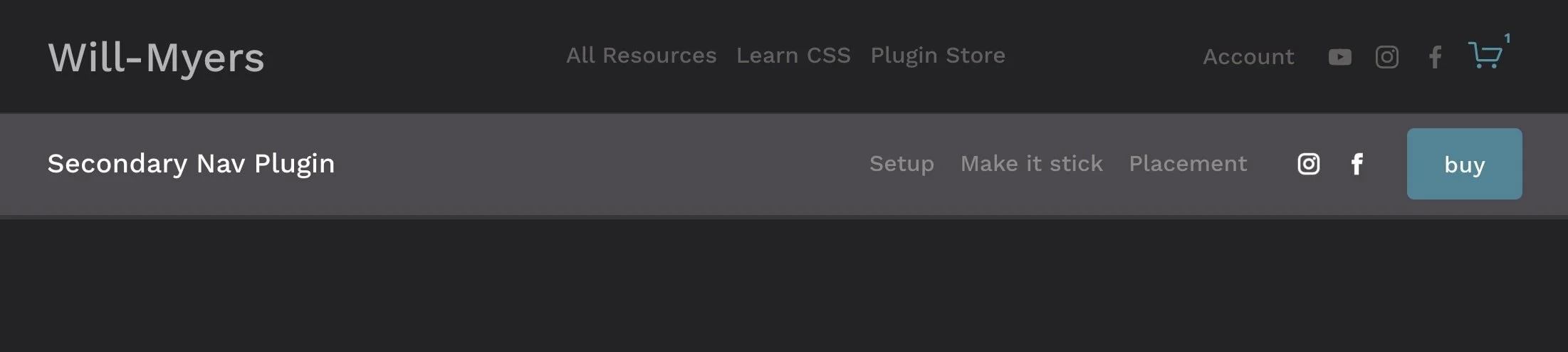
✅ You can now add in social icons into your Secondary Nav.
✅ You can now add a title or logo into your Secondary Nav
Also, as a PSA, I’ve also seen a lot of people try to use this plugin to replace their Main Nav- don’t do this, use my Site Nav Replacer plugin instead.
ARTICLES
The New List Section Explained
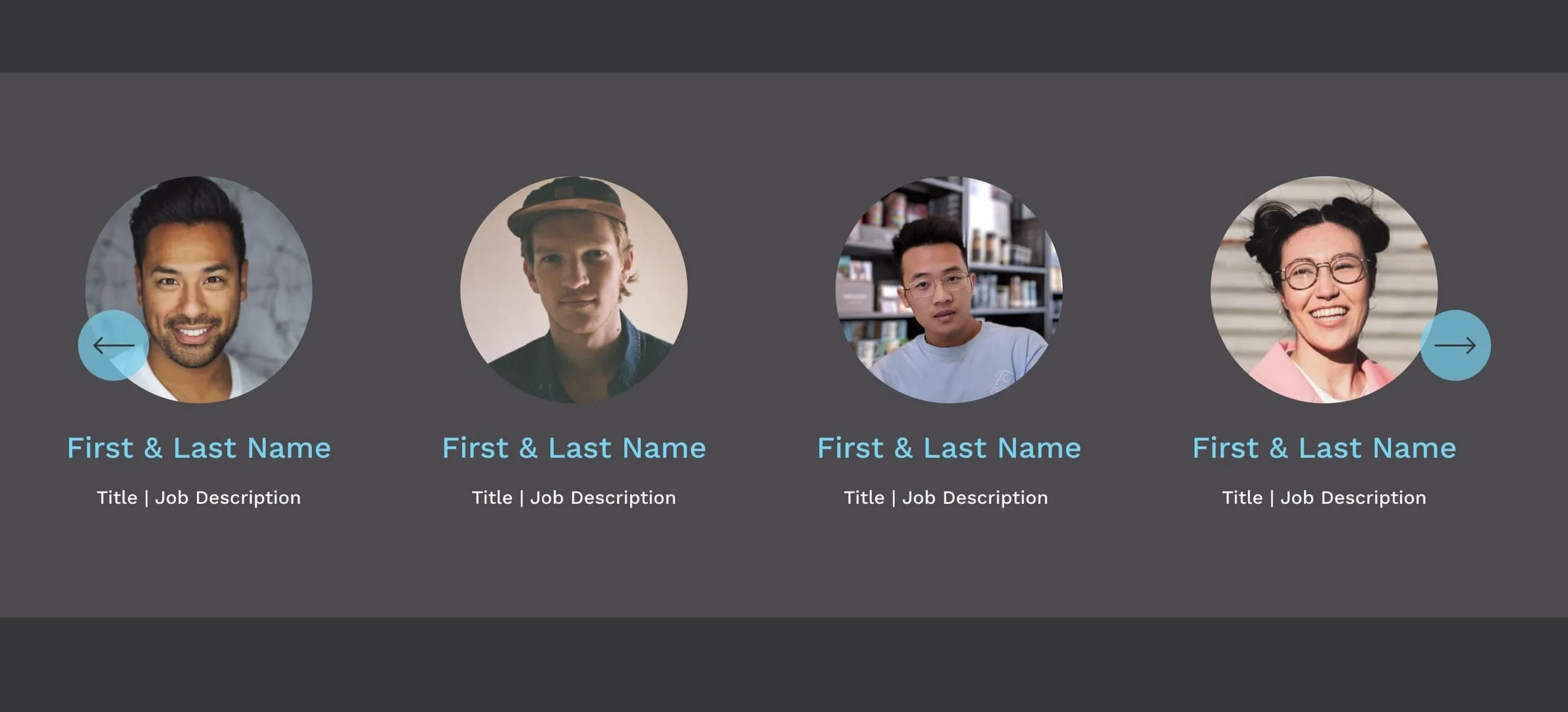
(remember two weeks ago when I published this article before the feature was available to most Squarespace users? That was embarrassing 😳) Everyone should be able to see the new Auto-Layouts Sections in their Squarespace editor, and you can read Squarespace’s support page about it here. This article goes over some of my thoughts about it.
Left-Align / Right-Align Menu Folder Items
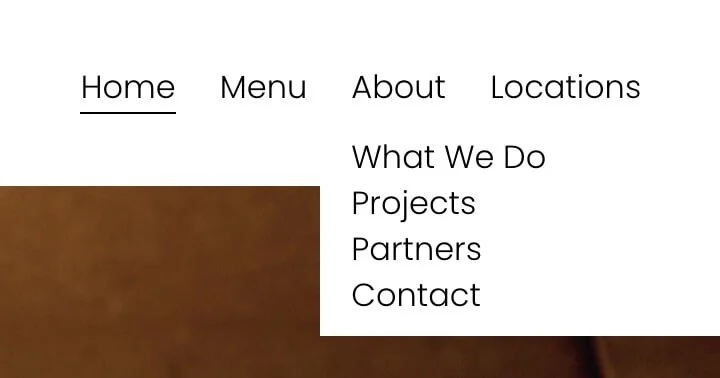
Here are two CSS snippets to help you switch the default alignment of your main nav folder items. Switch from left-aligned to right-aligned or vice versa.
UPDATE: Prevent Background Image Cropping
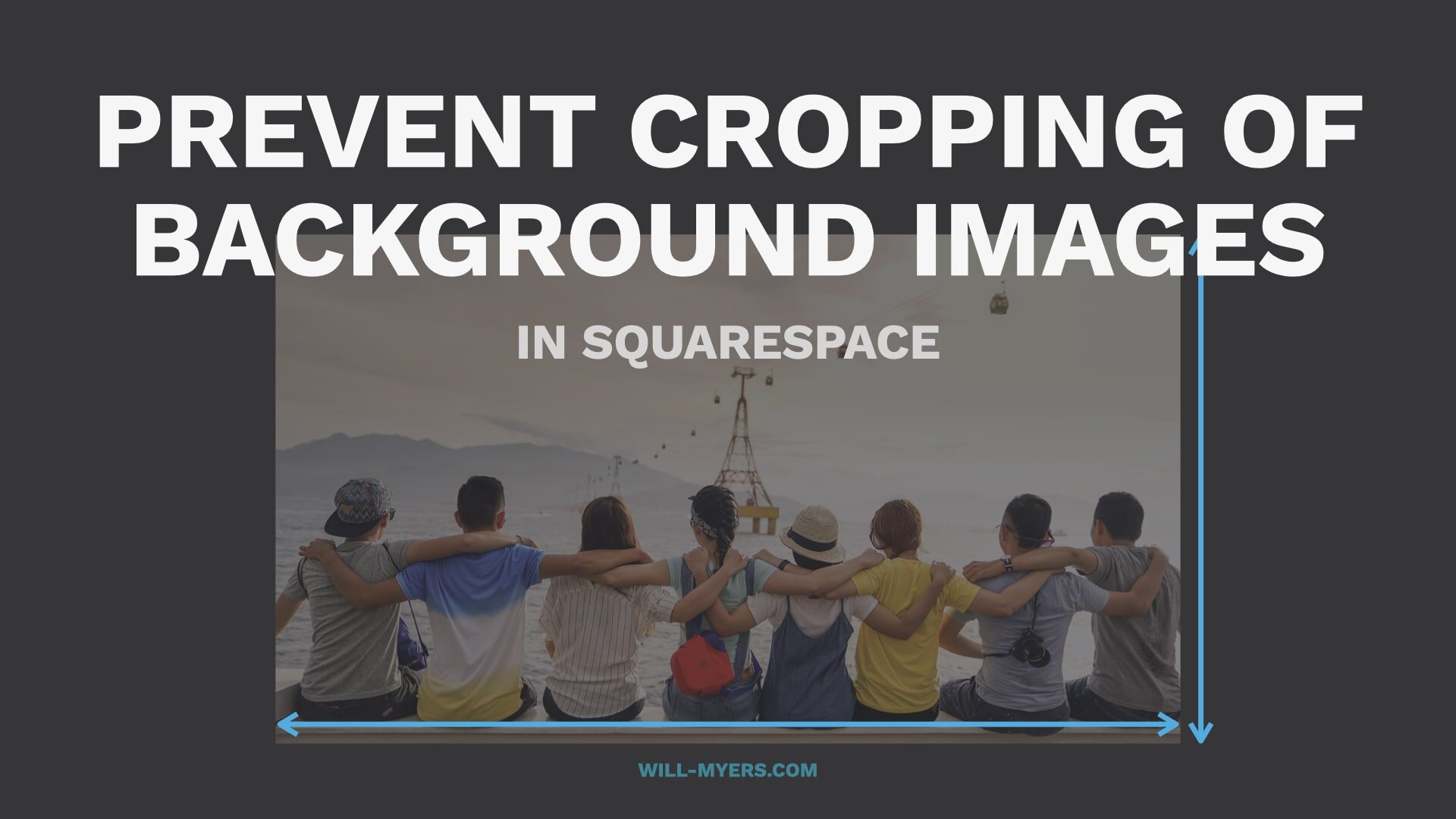
This tutorial was updated with code for this to work with Index Pages in Brine templates.
UPDATE: Turn Entire Sections in Links
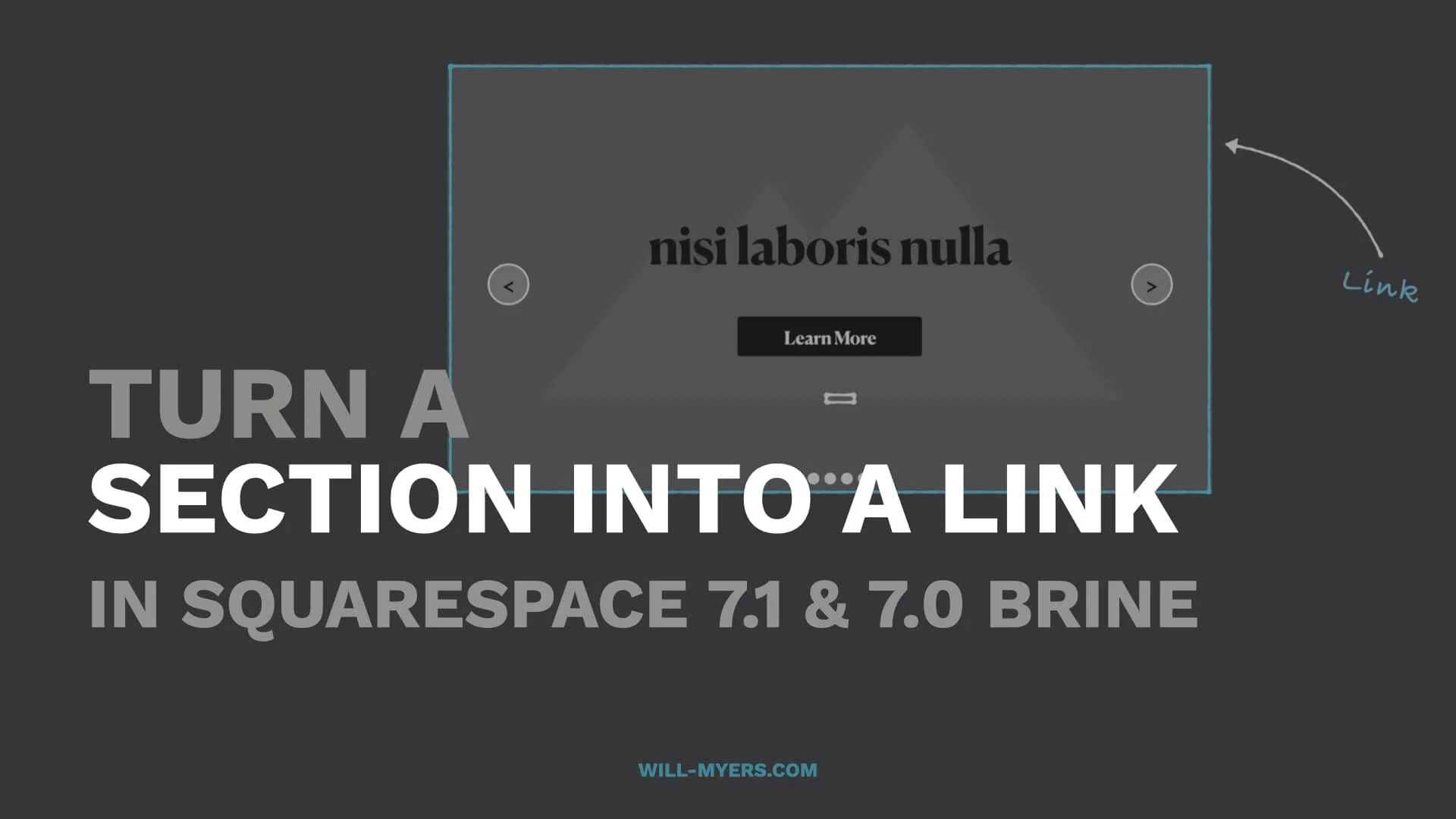
This tutorial was updated with code for this to work with Index Pages in Brine templates.
LEARN CSS IN SQUARESPACE
NEW BONUS TUTORIAL: Overlapping Logo in Footer Section

Dacie Asks: I’m trying to have the logo overlap the section above it in the footer, but for some reason I can’t get it to be visible (the logo hides behind the section above it).
In this tutorial, I work through this problem as if I was doing it for a client.
If you’ve purchased my Learn CSS in Squarespace course, you can access this new tutorial for free.