Hey friend,
I’ve got a couple new plugins for you: a video element (similar to what Apple uses on their product pages) and an events banner plugin.
I’ve also created a few more tutorials and bumped into a bunch of cool links that I thought I’d share with you. Check it all out below.
Keep Building,
Will
STUFF AROUND THE INTERNET
Anchor Link Offset Trick - Anchors links allow you to jump to a specific section of a page. But they can present a problem if your header is fixed to the top of the screen. This trick fixes that.
Noise Generator for Background Images (this page works only on Chrome on Desktop) - really cool noise graphics generator. Just pick some colors and you’re off to the races.
Switch Colors in Web Inspector - This is a fun little trick I saw and shared on my Instagram Page (most recent video). Check it out!
Goodbye Calibri - Calibri has been Microsoft’s default font for almost 15 years, but they’re finally switching to a new font. Which one? It’s up to you. I polled my followers on instagram and the results were about evenly mixed. What’s your favorite?
The Colour Clock - Each second turns the background to a different color. This serves no purpose at all, but it’s whimsical and fun to watch. I love stuff like this.
NEW PLUGINS

Video Element
This plugin allows you add a simple & clean autoplaying element to your Squarespace website.
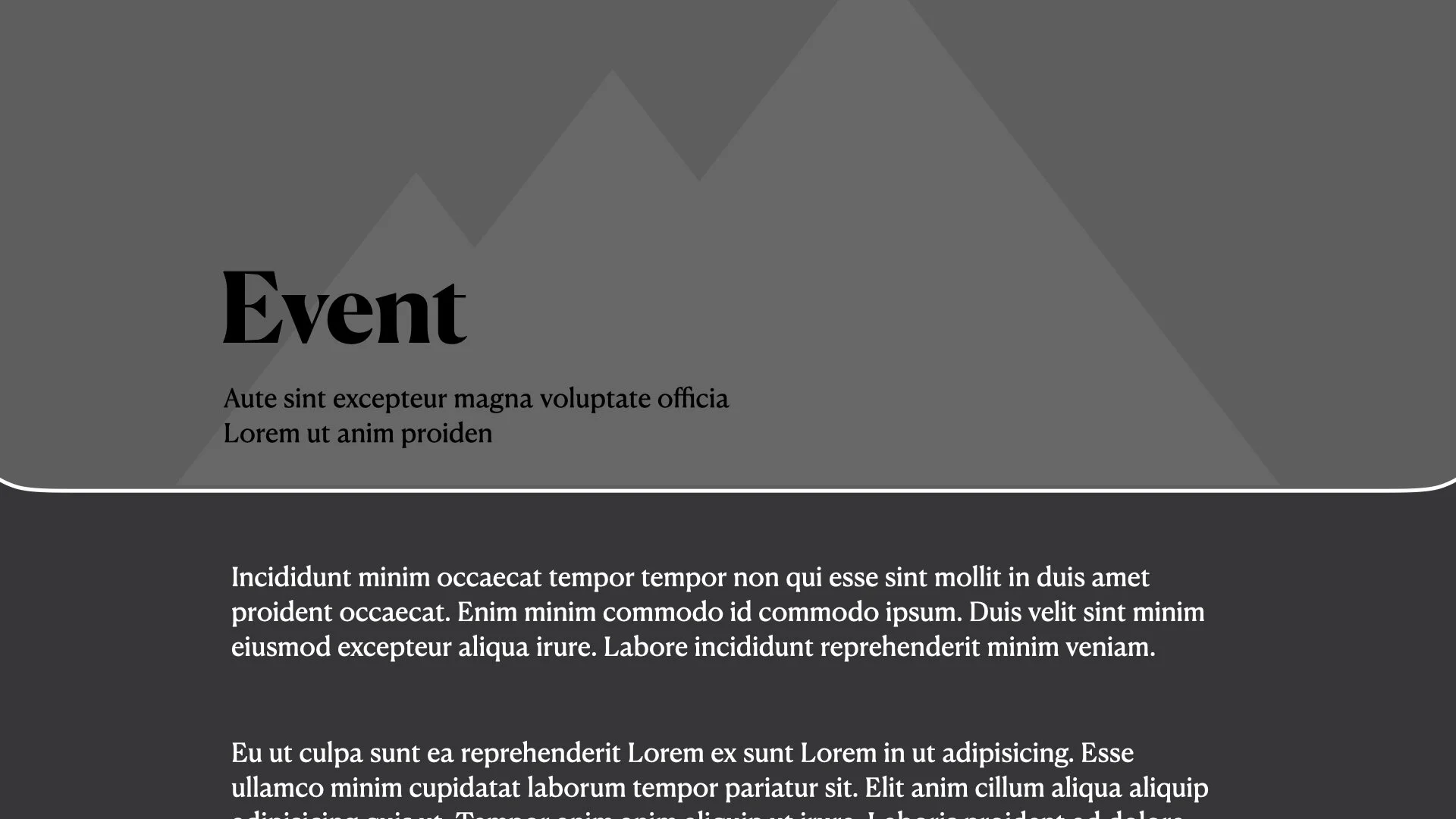
Event Banner Plugin
Similar to the Blog Banner Plugin, this plugin allows you to choose from 4 different banner styles for your Event Pages.
CSS COURSE- LEARN CSS IN SQUARESPACE
I created this course to help you understand CSS so that you aren't limited by copying and pasting other people’s code to create beautiful and customized websites in Squarespace, fast.
Take your skillset and business to the next level.